
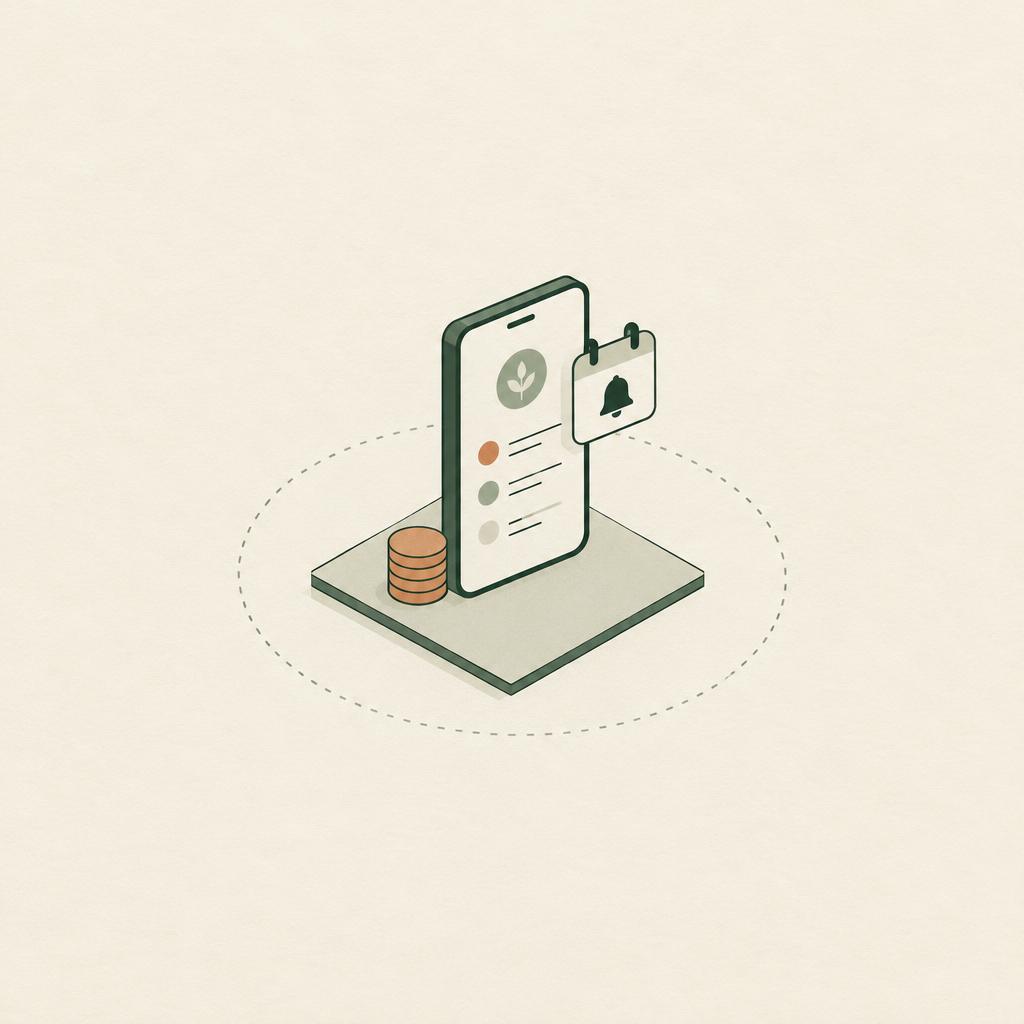
Savings goals

Your schedule

Your transfers

Remember to save for what matters.

Set savings goals and schedules. Get reminders, then make each transfer yourself.

Not available to buy now
See how it works
  • $4.99per month
  • Monthlysubscription billing
  • 0automatic money transfers
An illustration of a laptop and phone displaying savings goals, surrounded by plants, notebooks, and coins.

A nudge to save

Room for your goals

A little structure, a gentle nudge

Your goal, your schedule, your next step

Set a goal, choose a schedule, and receive reminders; you make each money transfer yourself.

01
An illustrated phone with a savings list stands beside coins and a calendar reminder on a square tile.

01 · Goals

Name what you’re saving for

Set savings goals for retirement, education, or something personal. A wedding, Christmas, a new car, or a vacation can all have a place.

Proof

Long-term goals

Plan

Retirement or college

Personal goals

Save

A wedding, car, or vacation

02
An illustrated phone with savings icons and a reminder bell stands beside a calendar and a stack of coins.

02 · Schedules

Give your goal a schedule

Set a schedule for your savings goal, so there’s a reminder to return to it.

Proof

Goal ideasExamples
  • Retirement contributions
  • College fund
  • A wedding to plan for
  • A new car
  • Your next vacation
03
An illustrated phone with a reminder bell stands beside a calendar and a small sprout growing from stacked coins.

03 · Reminders

Receive a nudge to transfer

Receive reminders to move money toward your goals. The app gives you the nudge; you make the transfer yourself.

Proof

Your next stepReminder
Step
Receive a nudge
Who
You
Schedule
Set by you
Transfers
Manual only
Next
Make your transfer
04
An illustrated phone displays savings goal icons beside a calendar and separate tiles for retirement, college, a wedding, gifts, and a car.

Your control

The money moves with you

No money is moved automatically. This is a reminder to take your next savings step, not a service that makes transfers for you.

Proof

The simple versionAt a glance
  • You set savings goals
  • You set schedules
  • You receive reminders
  • You make the transfers
  • No automatic money movement
An illustrated phone with savings goals and reminder bells sits beside a calendar, goal cards, an envelope, and coins.
  1. Your goals
  2. Reminders
  3. A nudge
  4. Your transfers
  5. Your schedule

A place for your plans

Different goals, the same gentle nudge

  • Savings goals
  • Goal schedules
  • Transfer reminders
  • Manual transfers
  • Retirement
  • College funds
  • Major purchases
  • Personal goals

Before your first nudge

A few questions

Here’s what the reminder app does, and what stays in your hands.

Does the app move money for me?

No. You set savings goals and schedules, then receive reminders to make transfers yourself. No money is moved automatically.

What can I save toward?

Retirement, college, or personal goals such as a wedding, Christmas, a new car, or a vacation.

How is the subscription billed?

The subscription costs $4.99 per month.

How do I get started?

Buy the subscription, then set your savings goals and schedules. Reminders prompt you to make the transfers yourself.

Who runs the business?

Nest Egg Nudge is run by Steven.

Your next step

Small steps. More room to grow.

Give your savings goals a reminder. You choose the goals and schedules, and you make the transfers.

See the subscription
An illustration of a laptop and phone surrounded by symbols for retirement, college, a wedding, travel, a home, Christmas, and a car.
Made with MadeThis